
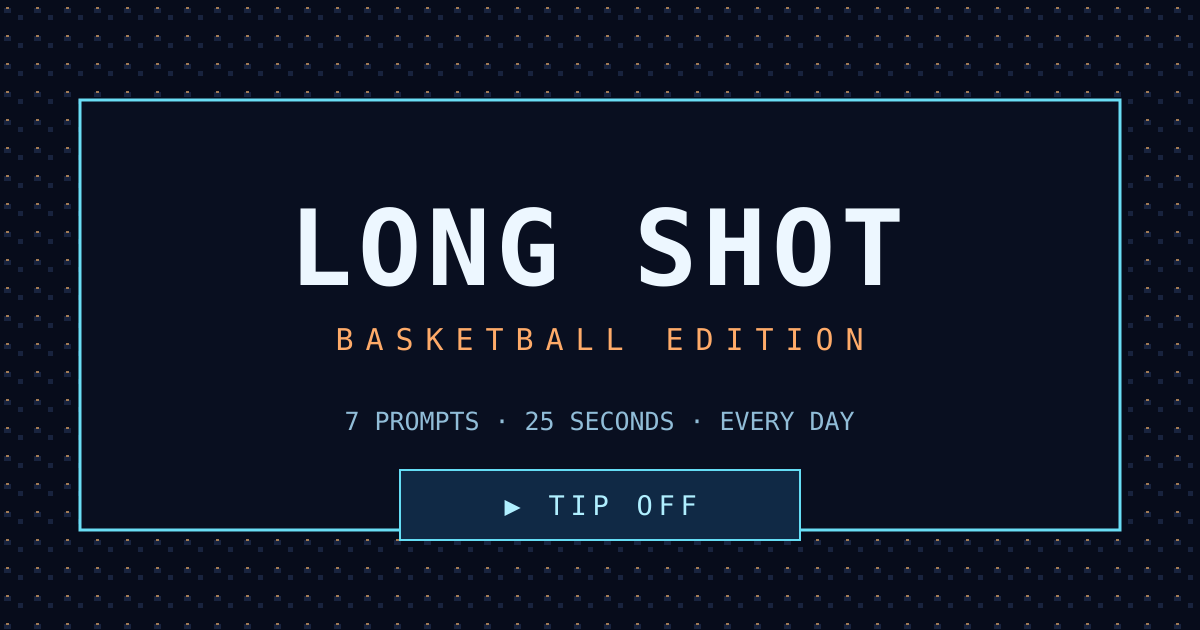
Start the game
Go to the game frame above and follow the start prompt shown there.
Step up for a quick round of basketball trivia. Long Shot Hoops puts the game one tap away, whether you're on your phone or at your desk.
Ready when you are. Start inside the frame below.
If the game doesn't appear, open it directly in a new tab.
Three distinct games, each with its own page and rules.
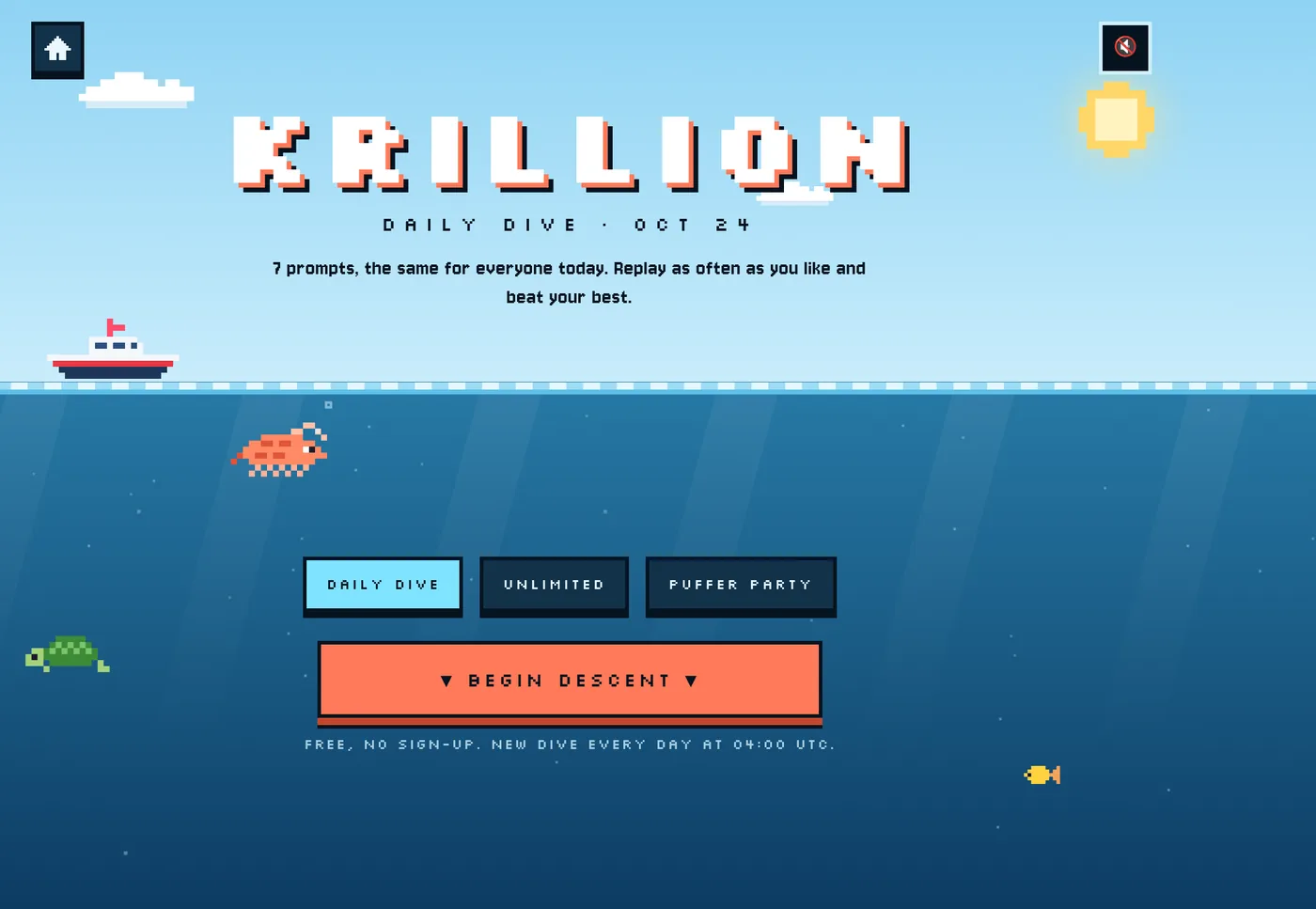
Four screenshots from the game frame on this homepage, plus two each from Krillion Longshot and Noillirk. Every image was captured from a playable game screen.

The embedded NBA game opens with ten questions and Crowd scoring, where common answers win.
Play the homepage game →
Choose Rare scoring before play to earn more for answers fewer people give.
Try Rare mode →
The first question asks for a 2024–25 All-NBA selection, with an answer field and countdown.
Answer in the game frame →
When time runs out, the game shows the round result and a button for the next question.
Play the next question →
Name an NBA Sixth Man of the Year before this game's 25-second timer expires.
Explore Krillion Longshot →
Lou Williams earns a Sunlit Zone score of 30 points and 300 metres of depth.
See Krillion's rules →
Start its ten-question Daily in solo play and select a visual stage.
Explore Noillirk →
For a prompt about toast, enter the answer you think most people would name first.
See Noillirk's rules →The first four images were captured from the homepage game frame. The remaining images come from Krillion Longshot and Noillirk.
A few simple steps to get started with the embedded NBA trivia game.
Go to the game frame above and follow the start prompt shown there.
Read each prompt carefully, then use the on-screen controls to choose your answer.
Follow the game's feedback and continue through the next prompt. Want another go? Use its replay option when offered.
Long Shot Hoops is an NBA trivia game playable in the frame on this page. You can jump straight in, take your time with each prompt, and see how your basketball knowledge holds up.
It's an NBA trivia game that you can play in the game frame on this page.
Yes. The page adjusts to smaller screens. If the embedded player feels too small, use Fullscreen or Open game.
Check your connection, refresh the page, or select Open game to launch it in a new tab. Browser settings can also affect embeds.
Select Fullscreen beneath the game. You can leave fullscreen with Escape or your device's back control.